Private, Utility
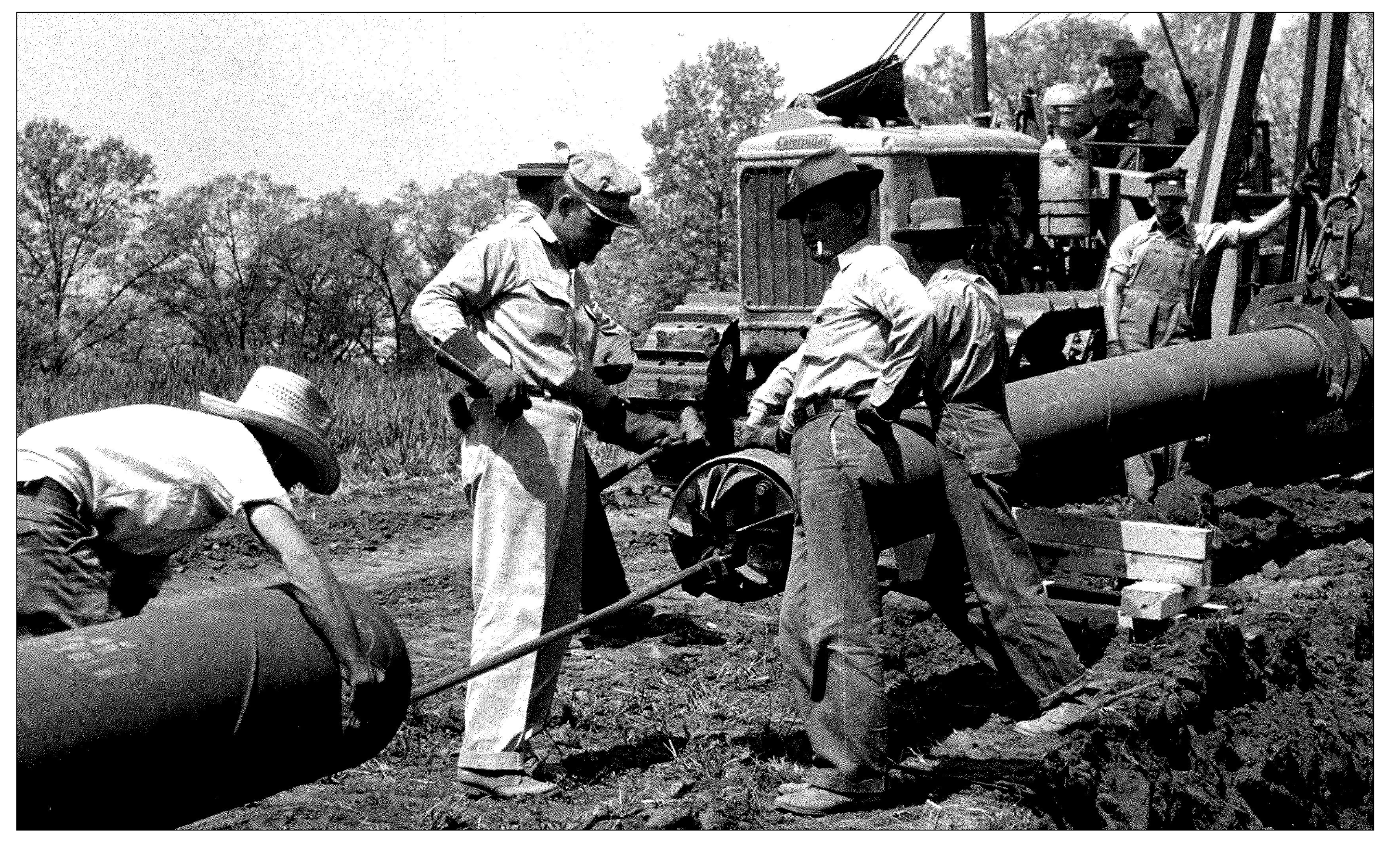
In 1939, the Knoxville Utilities Board launched as an independent agency of the City of Knoxville. KUB manages the electric, fiber, natural gas, water, and wastewater services of nearly 520,000 customers in Knoxville. Through it's board of seven commissioners, appointed by the Mayor, KUB holds itself accountable to the public and responds to the complex nexus of community. Where as the Rock activates the creative impulses of UT, KUB facilitates the underlying infrastructure allowing UT to function. They keep the lights on.
This past summer, KUB began to lay fiber throughout Knoxville, hoping to offer better digital infrastructure for the city. Now, thanks to KUB Wifi, our computers operate a panoply of digital utilities: web-browsers, messenger apps, maps, cameras, calculators, note-taking apps, instagram, Tik Tok, etc. If you go into the App store on your phone, you'll find some "utilities" necessary to the functioning of our computers and some that weren't preinstalled on your phone.
There are many reasons this expansion of the perception of what a digital "utility" entails. However, one reason may be found in the longstanding debate around how we should perceive the popular internet-based products that mediate our lives. Mark Zuckerberg famously described Facebook as a utility rather than a social network. Should we then also think about Instagram in this way as well?
While the tensions between utility and frivolity are apparent in social media, how do we consider the functional apps we use everyday? Does Google Maps tracking and analyzing our movement to improve their products complicate the traditional understanding of a map as simply a navigation tool?
Should we be compensated for using our apps instead of paying for them? Especially in the age of generative AIs, when it seems all of our public (and private) data, as well as most copyrighted creative works, have been used as training data without our consent.
Furthermore, how do the profit motives of the companies behind these tools compromise our experiences? KUB for instance is still a privately traded utility, and as result, aims to make a profit managing the water we drink and the electricity we use. How do notions of scale, accessibility, and wide appeal, which undoubtedly offer benefits in many ways, create products that are generic or otherwise impersonal? As applications introduce features no one has asked for (sometimes to embarrassing results), should we be looking for alternative utilities that serve our needs better?
In this project we will explore what we consider digital "utilities", and how freed from practical constraints, we can make them more personal. To do this we will architect, design, and prototype a utility that is based on your own interest, experience, and/or goals.
The outcomes are open-ended – and could range from a messenger service, to recipe website, to weather application, to a drawing pad. They should also be designed for any screen – from a phone, to website, to a tablet. The application proposal, however, needs to be specific and unique, and should address a fundamental need you have.
requirements:
- Written description describing what your utility is
- Site architecure visualizing the various screens in your app (can be a desktop, phone, watch or other screen-based app)
- Static compositions visually representing the entire application – you don't need to show all states of all pages, but just give a sense of the application overall
- One prototype demonstrating the interactivity of one action (minimum 3 screens) built in prototyping software (Figma, Framer, Protopie, or Keynote recommended)
learning outcomes:
- Use storytelling to explain a complex idea in a few screens
- Learn basic UI Design Principles
- Become familiar with prototyping software
- Develop an understanding of and implement a site architecture
- Design with interaction, time, and usability in mind
- Expand our views on the idea of "utility" and what makes an app "functional"
Schedule
- Level 1: Proposals
- What are digital utilities you use everyday? What about every hour? Consider their pros and cons, limitations and potential, and create 3 proposals for alternative personal utilities you would like to use.
- If you were to design your own weather app, would you also like to see how the weather has behaved historically on the same day over the past decade? Do you want to make a timer with presets for the various types of tea you brew regularly? Does your music player have too many options and you miss the experience of an Ipod Shuffle?
- Your proposals should include sample imagery you collect describing your idea, and help us imagine how the project may take shape formatted as screens/slides in Figma or Google Slides.
- Level 2: Wireframe Sketches
- Choose a concept and create a site architecture, and example user experience flowchart. Based on these artifacts, create wireframe sketches of 3 representative screens, describing your utility.
- Your wireframe sketches should be simple enough not to distract us from their proposed interaction, but visually descriptive enough for us to imagine how it may take form in a final design. I would suggest you make these in Figma.
- Level 3: Wireframe Refinements
- Refine your wireframes into high-fidelity design using Figma. Your designs should have a visual identity, "interaction model", and "design system" at the their core. Create 2 visual directions and add simple interactions to them in Figma.
- Level 4: Code Translations
- Select one visual and interaction direction and refine your prototype using Figma/Protopie/etc. developing one full interaction across a minimum of 3 screens.
- Using Cursor, translate this prototype to code.
- Level 5: Final Draft
- Share your final utility concept, prototype, and site with the class in a presentation format (I'd suggest screen recording your site to present, as well as sharing a link where we can interact with it).
Inspiration
- Bug by Linked by Air
- Shrub by Linked by Air
- Behind The Paywall by Matt Visco
- We Plug by Matt Visco, Taishi Kamiya, Bora Kim, and Arvind Sanjeev
- Unread Cats by Matt Visco
- Death Imitates Language by Harm van den Dorpel
- Flight Simulator by Laurel Schwulst and Soft
- Glaze from UChicago led by professors Ben Zhao and Heather Zheng
- Ipad works by David Hockney
- Instagram Demetricator by Ben Grosser
- Jules by O-R-G
- Multi by O-R-G
- Wyoscan by O-R-G
- Awqāt by Omar Mohammad / CamlCorp
- Prayer Place by Omar Mohammad
- Timer by Omar Mohammad
- Somebody by Miranda July
- The Space Between Us by David Horvitz
- unusual.app by Ennio Dybeli
- Dandelion Clock by Shaheer Tarar
- Color Game